
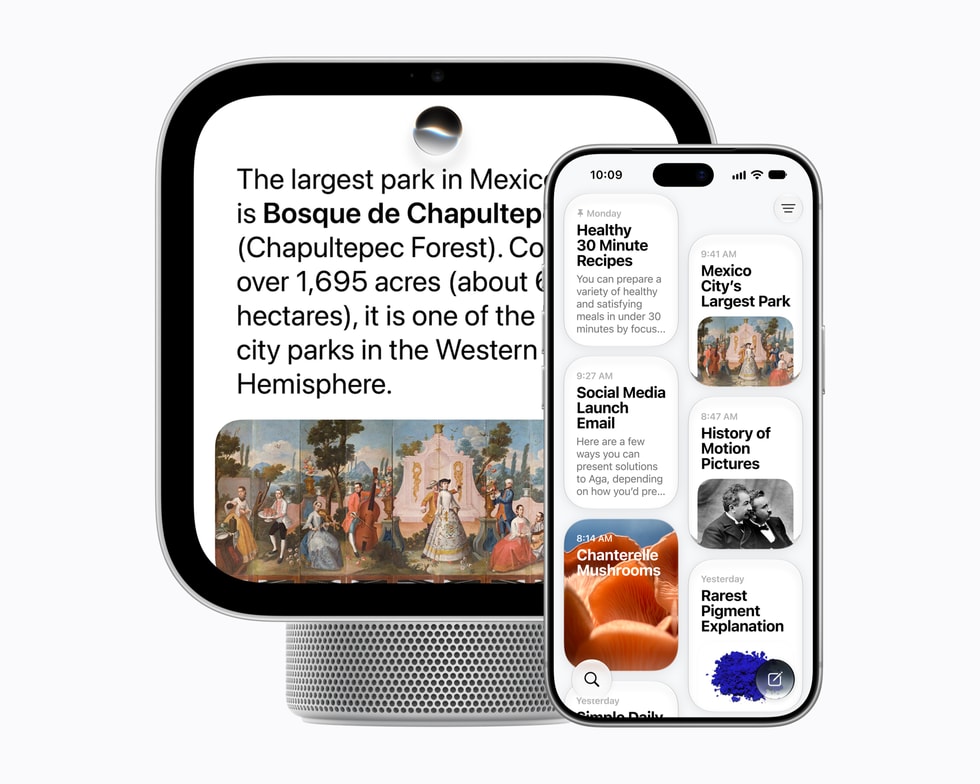
A new walkthrough of Apple's HomeView software gives an early look at how the smart home hub's interface works, ahead of its November 13 launch. MacRumors reports that developer Steve Troughton-Smith shared the tour on Halloween, running a virtualized copy of the software that Guilherme Rambo got working.
What the tour shows
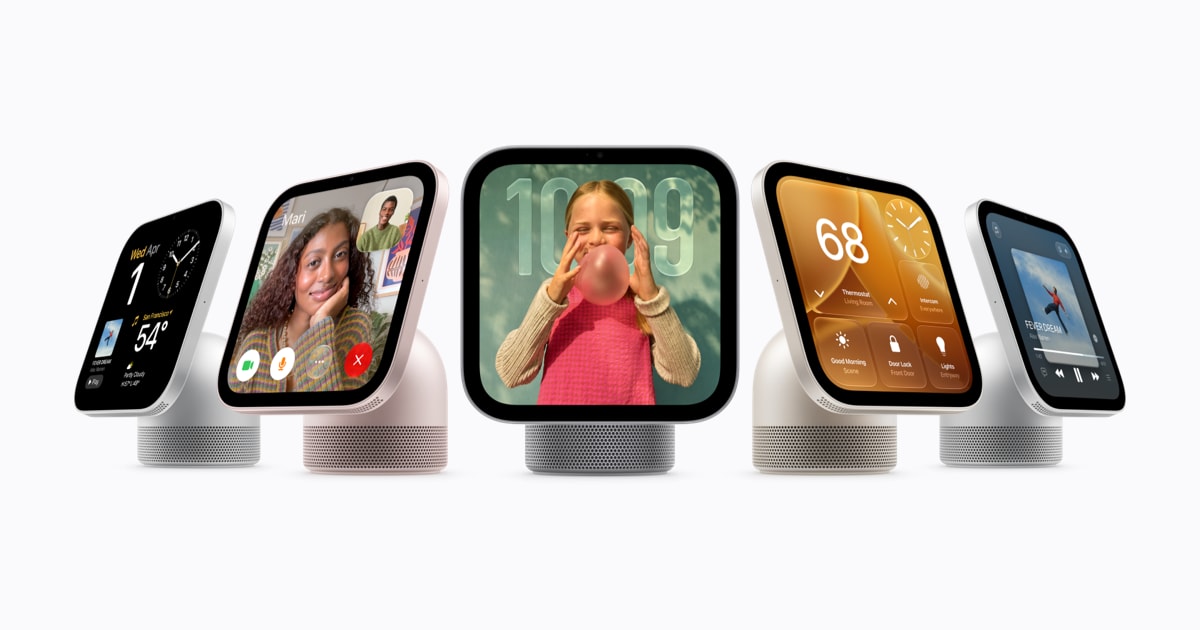
According to MacRumors, the walkthrough covers the home screen, Control Center and clock faces including Flow and Snoopy. It also goes through the Timers, Alarms, World Clock and Settings apps, a slider that adjusts how clear or tinted Liquid Glass interface elements look, and keyboard support with QuickPath swipe typing.
The tour also covers the music player, the video player in both wide and square formats, and the AirPlay pairing interface. Both developers reportedly said the software appears to be based on tvOS.
Details worth noting
The virtualized build shows an Ethernet menu, even though MacRumors says the device supports only Wi-Fi. The software supports up to six users, according to the report.
A built-in camera is meant to recognize people and show their personal content in apps such as Messages, Calendar, Reminders, FaceTime and Find My. In the virtual version those apps remain locked, because the person-recognition requirement has not been bypassed, so the tour cannot show how that feature behaves in practice.
Launch and price
HomeView arrives on Friday, November 13, 2026, and pre-orders are open. The U.S. price is $299. MacRumors lists a 7-inch display and an A18 chip with Siri AI support among its specifications. Apple introduced the device in an October 13 newsroom post titled "Meet Apple HomeView, a new way to enjoy entertainment and manage the home."
The tour is based on a virtualized build rather than a real device, so some behavior, particularly anything that depends on the camera, may differ once HomeView ships. Cupertino News has previously covered the HomeView 27.2 software details, including its wallpapers and a new launcher.
0 comments