
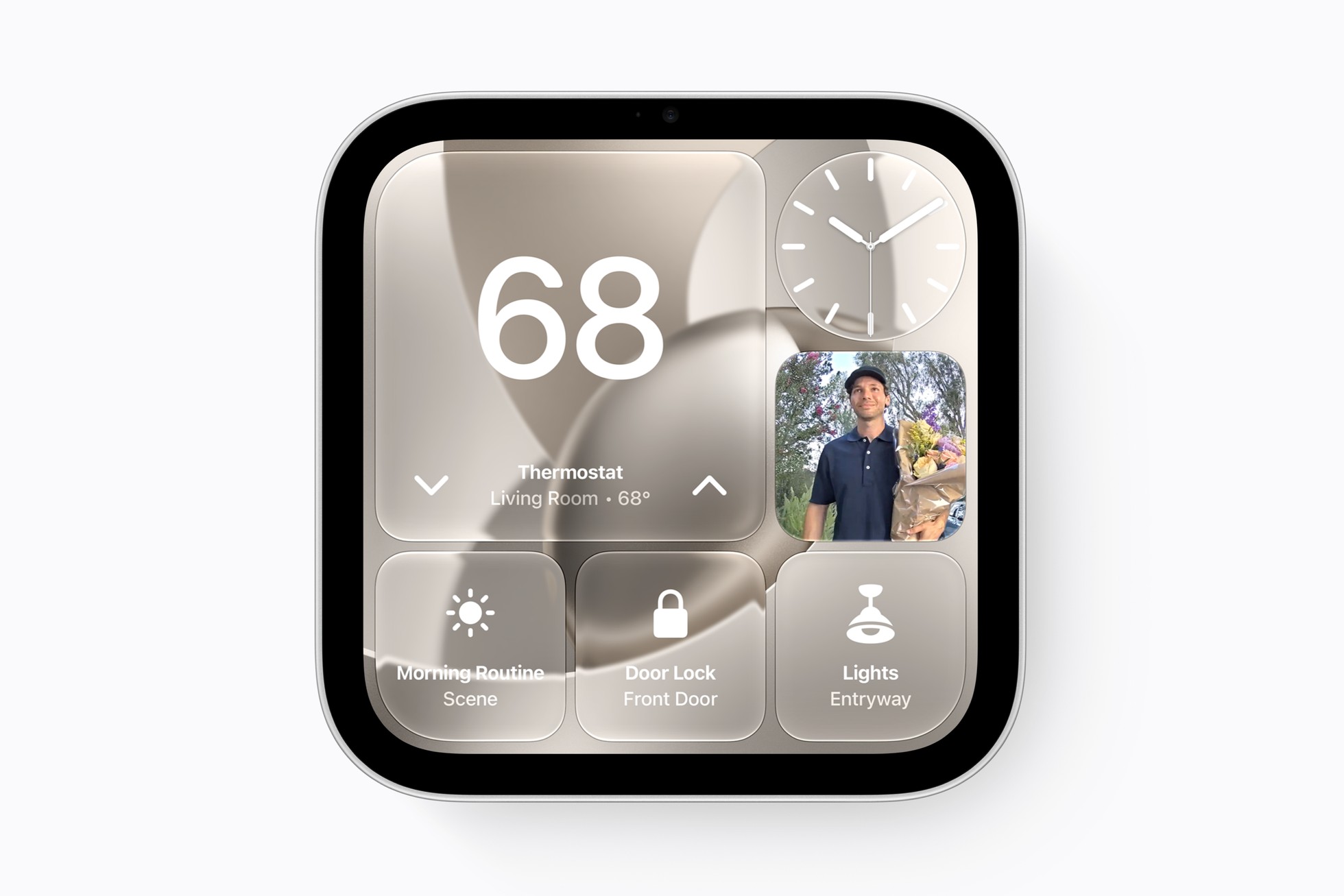
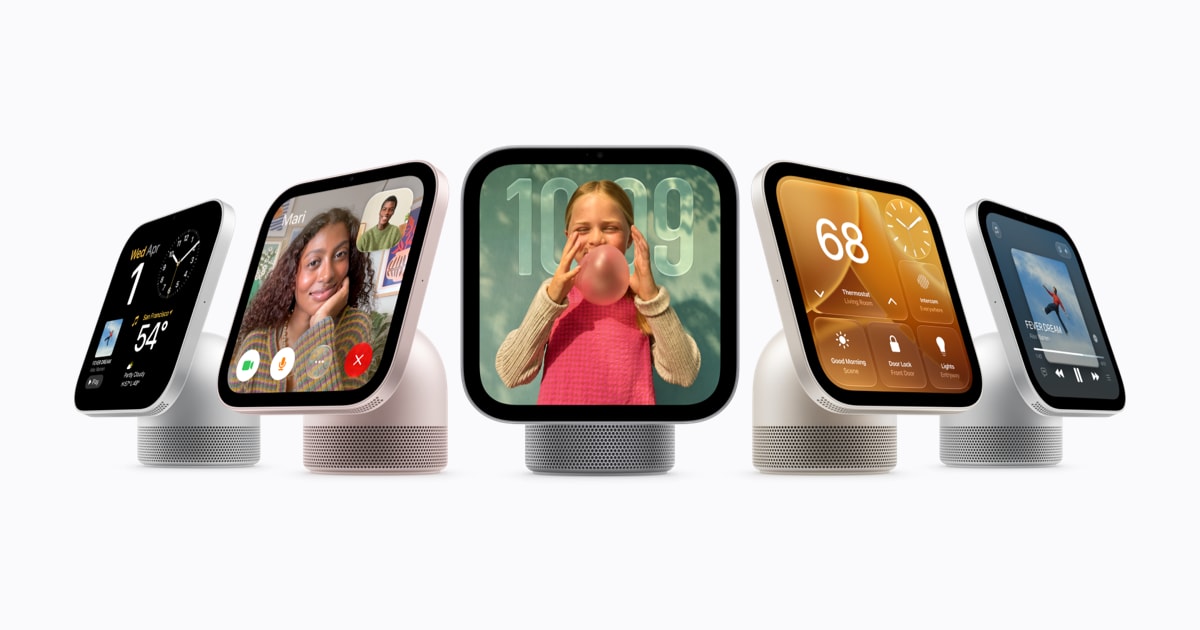
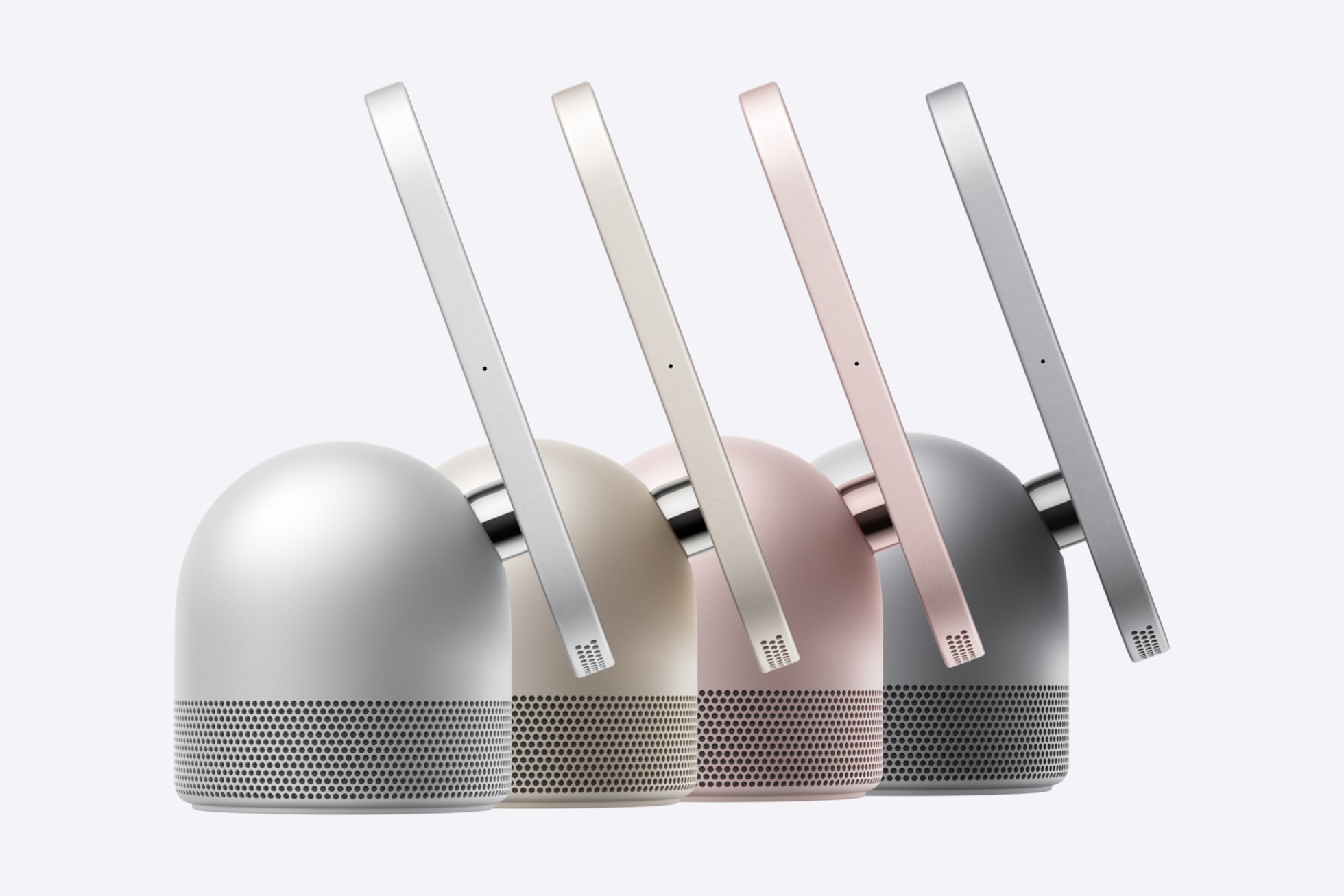
Apple's new HomeView smart display went on sale this week, and a day after launch a MacRumors roundup of setup details has surfaced several practical points about how the device behaves in a real home. Here is what the report says.
Face recognition has limits. According to the report, Apple says HomeView probably will not recognize someone whose face is covered, sunglasses included. The display needs to be angled toward the user, with the person centered in the frame and closest to the camera when others are nearby. Apple also says the device needs even, front-facing light and should not sit under overhanging shelves or cabinets that block the camera's view.
A built-in mirror. The HomeView Control Center includes a Mirror tool that uses the camera as a mirror. It offers an optional edge light for illuminating the face, plus 1x and 2x zoom.
Guest controls. Owners can decide what guests may do. Safari can be switched off, or adult websites blocked. By default guests can use Siri for general knowledge, writing help and math, though Siri features can be disabled. Explicit content can be allowed or blocked, and owners can choose which Apple Music subscription supplies music for an unrecognized user.
How it verifies people. HomeView authenticates people through face recognition and by confirming that their iPhone or other iOS device is nearby, recently unlocked and on the same Wi-Fi network. If the Wi-Fi goes down, Apple says cellular can be used to unlock personal content, provided the device is in the same location and was recently on the network. If someone repeatedly tries to reach protected personal content, face recognition is disabled and the person must prove identity with a registered device.
Smaller details. A sleep timer can pause playing media. There is no power or restart button; the device can be restarted from the Settings app or by briefly unplugging it. As on Apple TV, users can sign in to websites and apps with their iPhone. Notifications are limited to phone calls and home devices, with an option for critical alerts, and the transparency of the Liquid Glass interface can be adjusted from clear to opaque, as on iPhone, iPad and Mac.
These details come from Apple's guidance as relayed by MacRumors; Apple has not published them together in a single announcement.
0 comments